Zero Trust Documentation
First Time Setup
Download the binary for your operating system. Decompress (unzip/untar) the file if required to your preffered folder. Syntax ZTNA client does not require installation or a administrator escalation to run.
On initial startup the application will download and create required files. After initialization, if cloudflare group selection is enabled you will be presented with a list of groups to select. Every group selected with have url's associated with that group available for the user to connect to. You may change this at any time in the options menu
The client will load up to the main screen.
Adding a New Connection
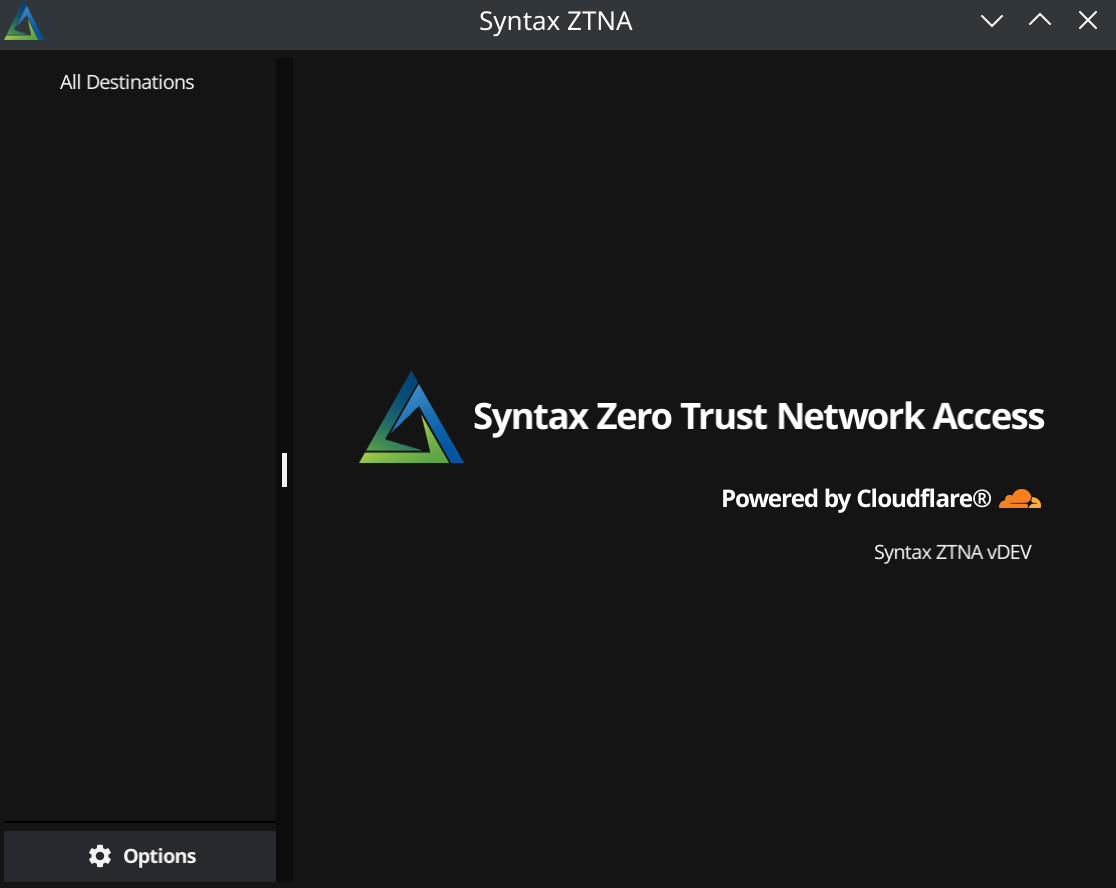
Select [All Destinations] in the top left corner to view all available destinations
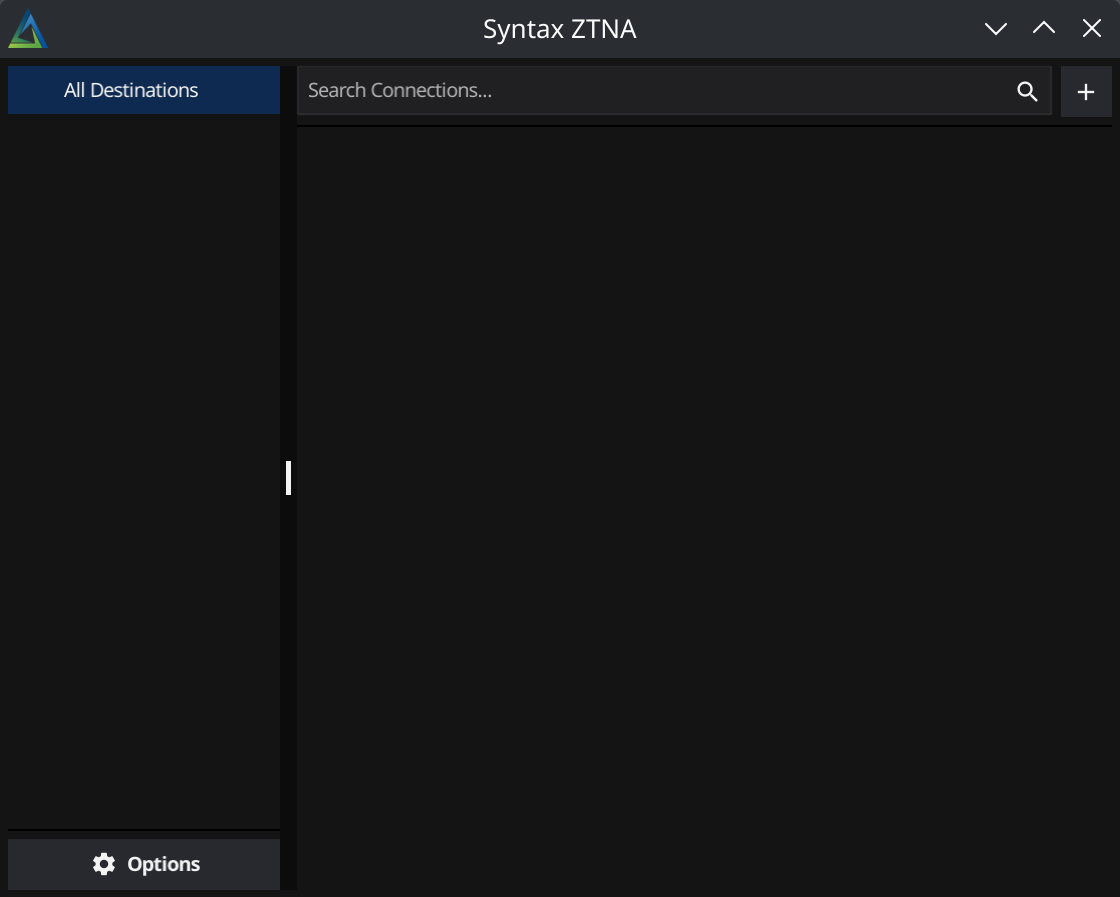
To add a new connection, select the [+] button in the top right corner. This will open a dialogue box where you can configure the connection
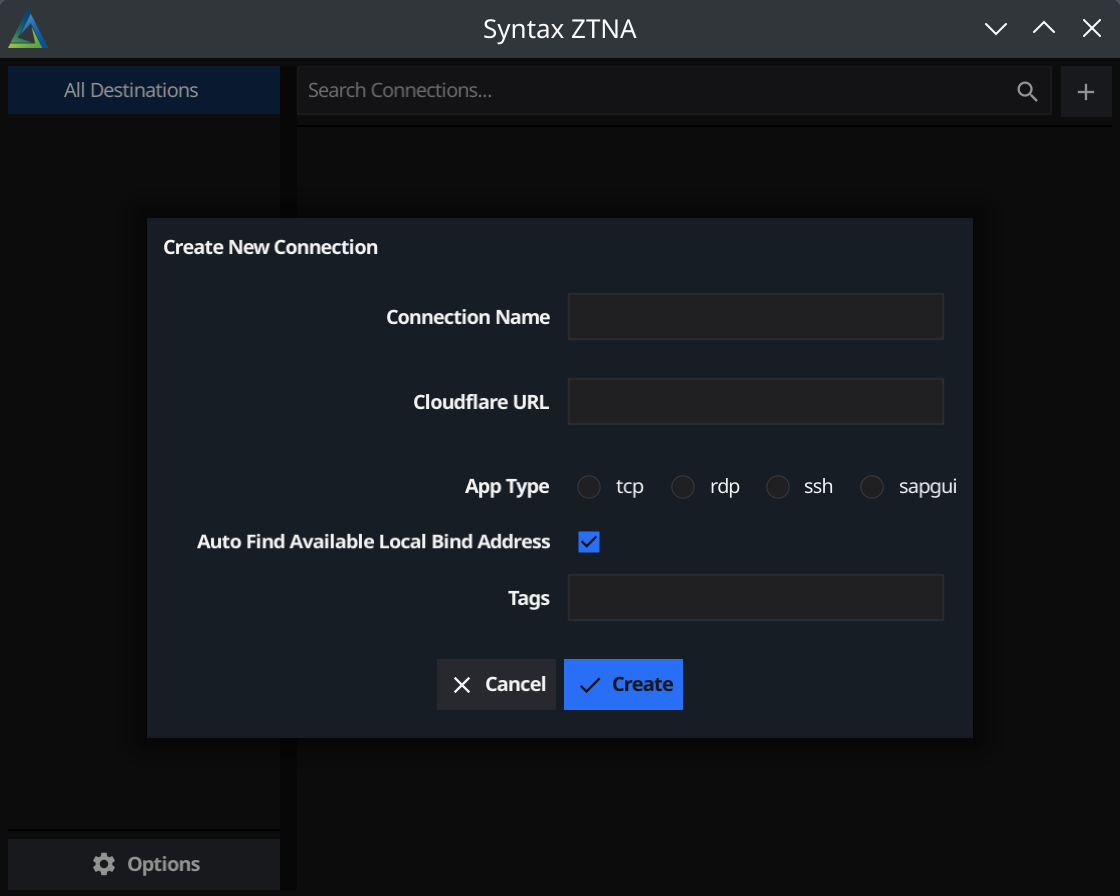
- Connection Name: The name of the connection - this is for reference only. You may use whatever name may help you remember this connection.
- Cloudflare Url: The cloudflare destination url, this much match cloudflare url exactly
- App Type: The type of connection this url is for. For unknown/generic use TCP.
- Auto Find Bind Address: If checked, application will find an open local port to run application on.
- Local Loopback IP: Available if "Auto Find Bind Address" is unchecked: Allows the user to manually configure the local loopback ip address to bind to.
- Local Loopback Port: Available if "Auto Find Bind Address" is unchecked: Allows the user to manually configure the local loopback port to bind to.
- Tags: *Optional* comma seperated tags for sorting connections. Using a backslash (/) will create a cascading tree
Applications Connections
Configuring SAPGUI
Configuring Connection
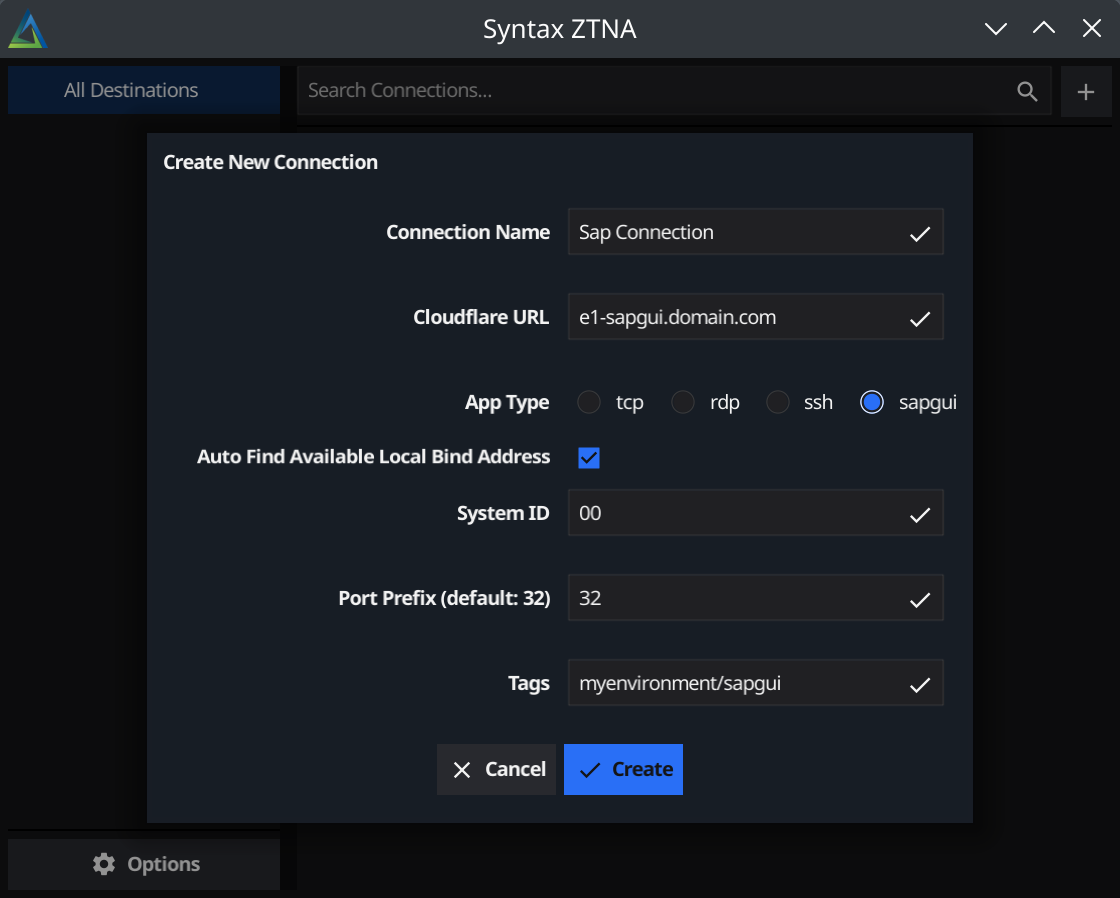
SAPGUI can be configured using manual local bind address without change from standard connection configuration. However, for finding a bind address automatically, SAPGUI has 2 unique configuration fields.
SAPGUI has port requirements that require the connection to use port 32 + SystemID. By configuring SystemID and port prefix for connection the client will automatically increment the local address to allow for multiple simultaneous connections (IE: First connection will use 127.0.0.1:3200, second will use 127.0.0.2:3200 etc). For most connections this can be left at default.
After configuring required system id, save (and close) the dialogue window.
Starting Application
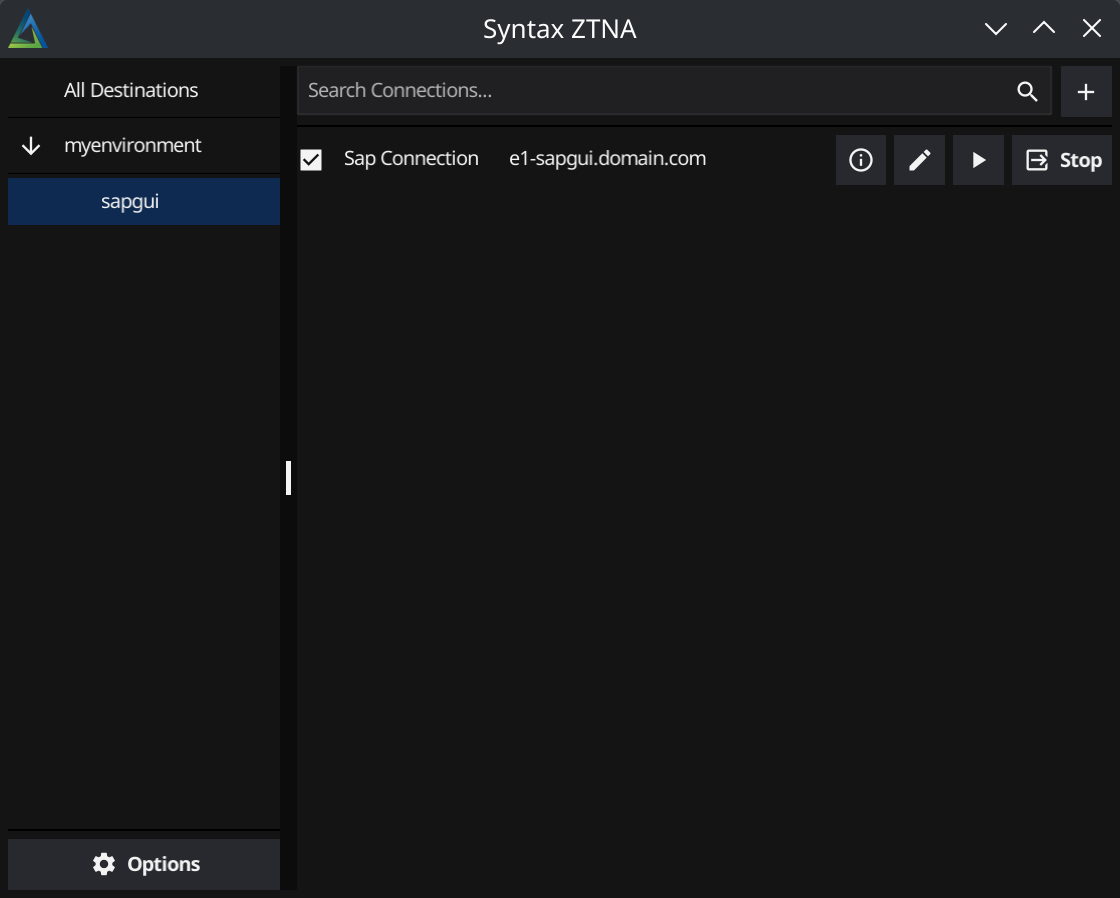
Select the "Start" button for the connection. This will start the listener on the loopback address. After the connection has started, you may press the play button to automatically open an sapgui window to the requested connection
Network Requirements
Outbound network access requirements for Cloudflare & Syntax services
| Destination | Port | Protocol |
|---|---|---|
| synzt.com (*.synzt.com) | 443 | TCP |
| region1.v2.argotunnel.com | 7844 | TCP/UDP |
| region2.v2.argotunnel.com | 7844 | TCP/UDP |
| cftunnel.com (*.cftunnel.com) | 7844 | TCP/UDP |
| {access-name}.cloudflareaccess.com | 443 | TCP |
For more details on cloudflare's outbound requirements, requirements are available here
For IPv4 whitelisting instead of domain, full list of cloudflare IP's are available here